Description
No more selecting with the mouse
Sending an order reference to a customer, pasting it into a spreadsheet, typing it on a carrier’s or supplier’s website… With Dolibarr, you have to select the text with the mouse, at the risk of missing a character or picking up an extra space.
NsClipboardCPButton adds a « copy to clipboard » button to the banner of the cards: one click is enough.
Easy to use
- The clipboard icon is placed at the end of the reference, in the banner at the top of the card.
- One click copies the reference; a green tick confirms the copy.
- The button is shown on every tab of the card (contacts, notes, attached files…).
- No button on drafts, whose temporary reference changes on validation.
The third party card too
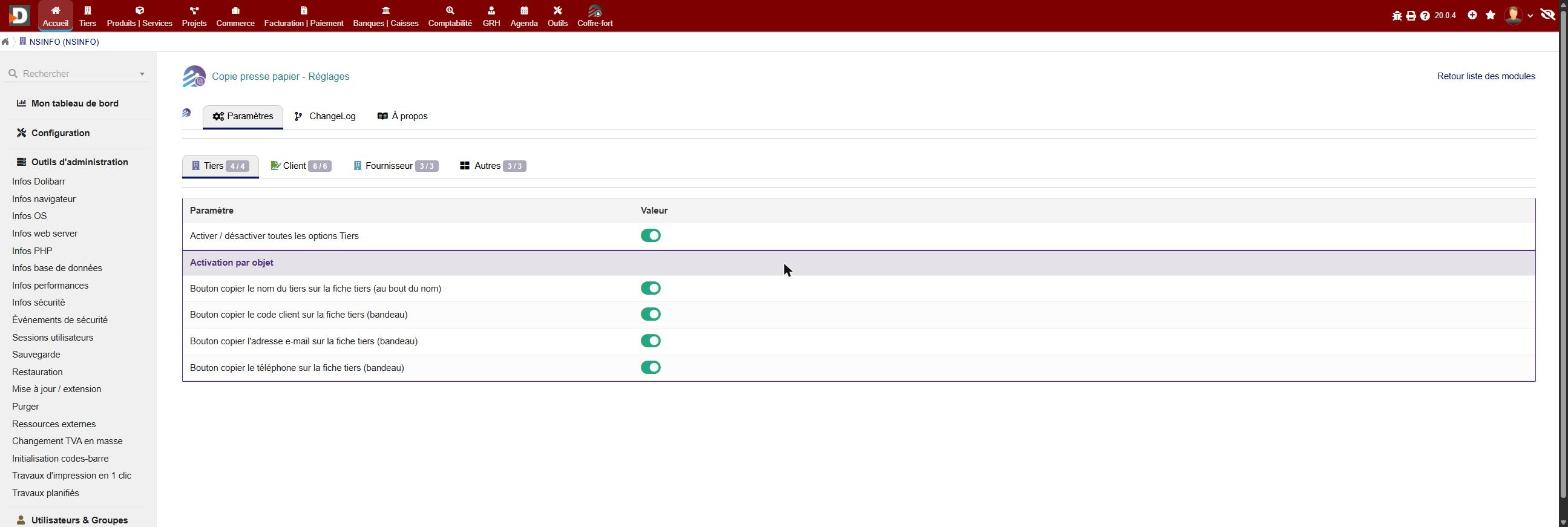
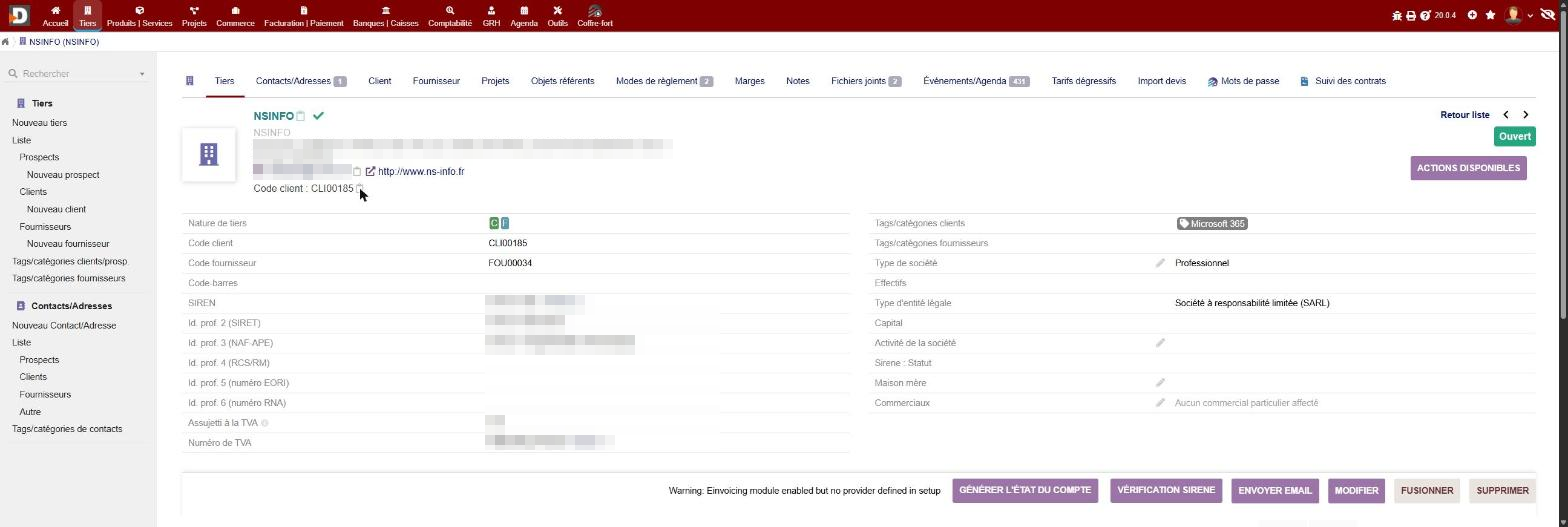
- A button at the end of the third party name, its email address and its phone, right where Dolibarr shows them.
- The customer code is added to the banner with its own button.
- Ideal to find and share a customer’s details in an instant.
Configurable
- Enabled object by object, split into Third party, Customer, Supplier and Other sub-tabs.
- One switch per sub-tab to enable or disable everything at once.
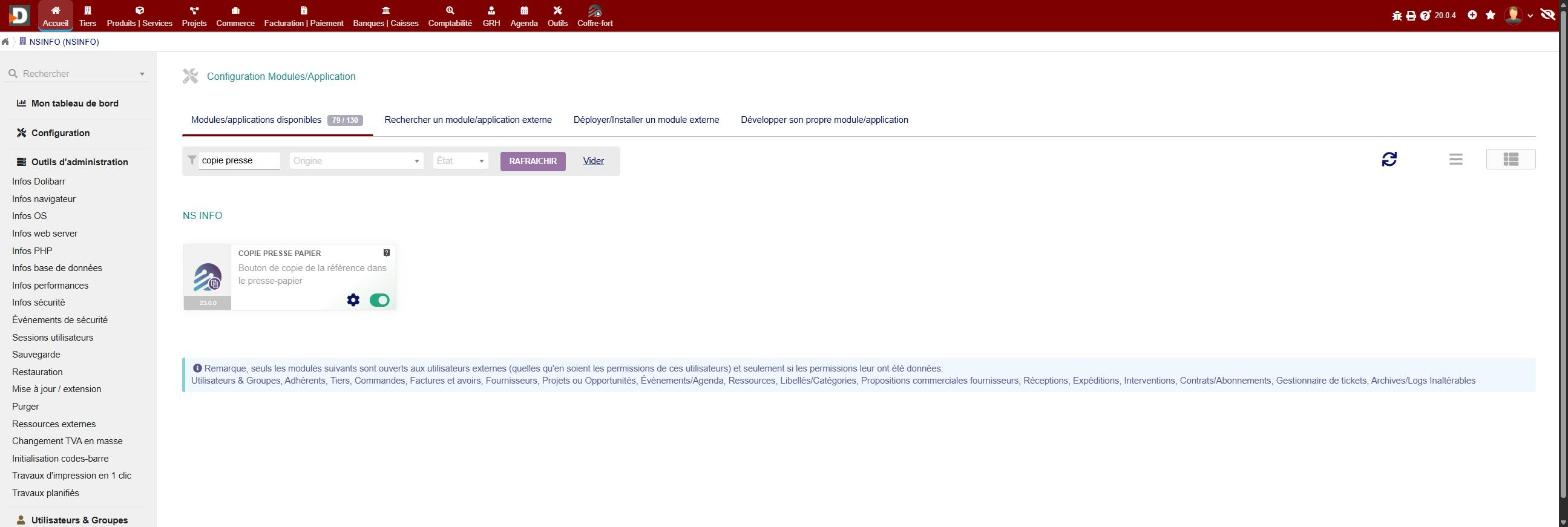
- Only the objects whose Dolibarr module is enabled are listed.
- No change to the Dolibarr Core, no effect on PDF documents.
Highlights
- ✅ One-click copy, confirmed by a tick
- ✅ Button at the end of the reference, on 16 document types
- ✅ Third party card: name, email, phone and customer code
- ✅ Enabled object by object, by group or all at once
- ✅ No permission to manage
- ✅ No change to the Core
Compatibility
- Dolibarr 19.0 to 24.0
- PHP 7.4 to 8.3
- Requirement: NSINFO framework (free, « NSINFO » module) version 23.5.0 or higher, installed and enabled
- Languages: French, English









Reviews
There are no reviews yet.